
ZELQORIX • CYBERSECURITY
How to Protect Your Phone From Hackers and Scams in 2026
Simple Android Security Tips Everyone Should Know

Your smartphone contains personal photos, messages, email accounts, social media profiles and sometimes financial information. Protecting it is important because online scams and account theft can affect anyone.
The good news is that you can improve your phone's security with a few practical habits. You do not need to be a cybersecurity expert or buy expensive software to get started.
- How to recognize suspicious links and messages
- How to secure your Google account
- How to avoid dangerous apps and downloads
- How to protect passwords and verification codes
- What to do if you suspect your account is compromised
1. Use a Strong Screen Lock
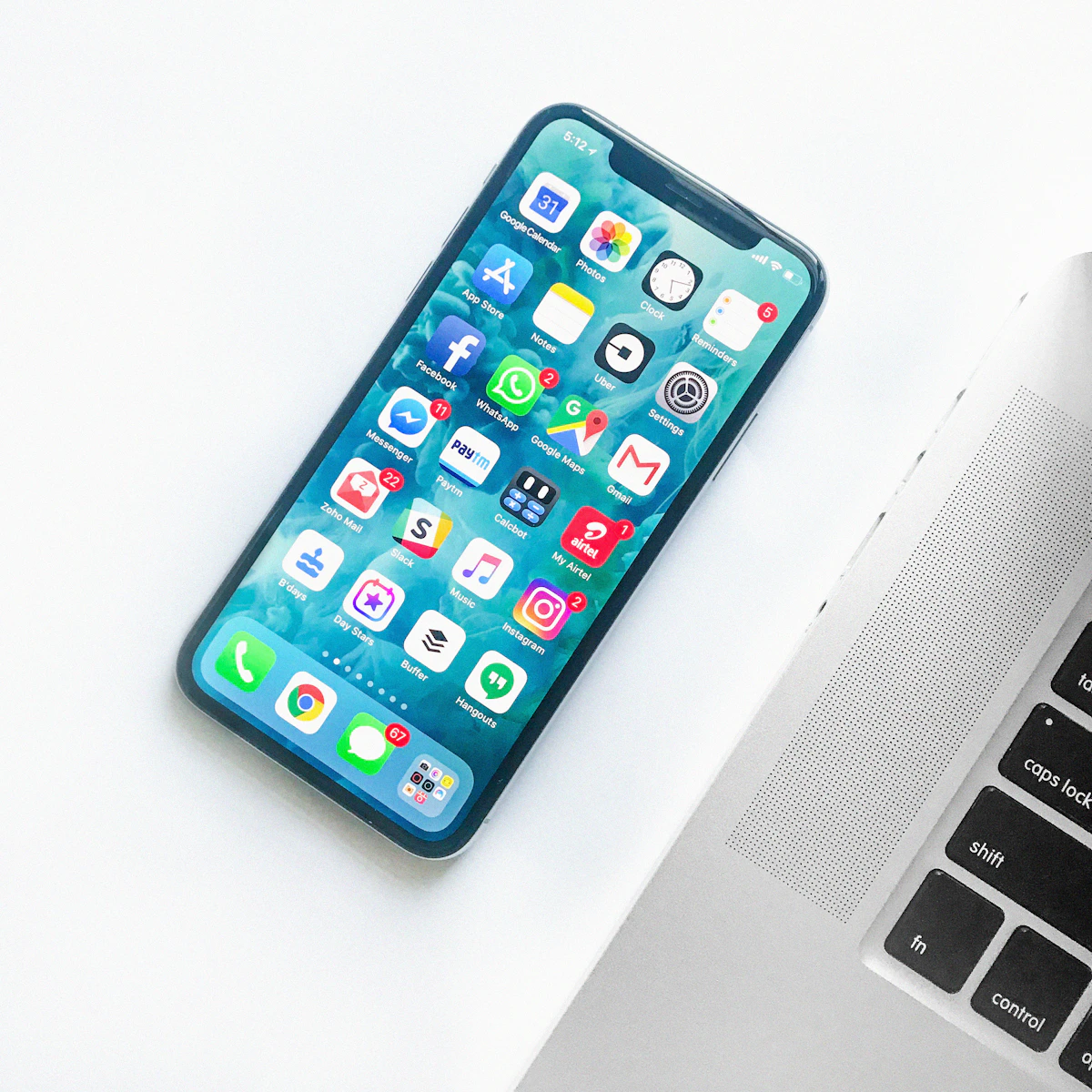
Your screen lock is the first line of defense if your phone is lost or someone gets physical access to it.
- Use a strong PIN or password that others cannot easily guess.
- Enable fingerprint or face unlock if your device supports it securely.
- Set your screen to lock automatically after a short period.
- Keep your lock-screen notifications private if they show sensitive messages.
Avoid obvious PINs such as repeated digits, simple sequences or personal dates that other people might know.
2. Never Trust Every Link You Receive

Scammers may send messages pretending to be banks, delivery companies, social media platforms or customer support teams. Their messages may claim that your account will be blocked unless you act immediately.
- Unexpected messages asking you to log in through a link.
- Offers that seem too good to be true.
- Urgent threats or requests for immediate payment.
- Web addresses that imitate a legitimate brand but use a different domain.
- Requests for passwords, verification codes or recovery codes.
If a message claims to be from a bank or a service you use, open its official app directly or type its known website address yourself. Do not rely on the message link.
3. Download Apps From Trusted Sources

Fake apps may imitate popular services or request access to information they do not need. On Android, prefer Google Play and check the developer, reviews and permissions before installing an app.
- Keep Google Play Protect enabled.
- Avoid installing unknown APK files from random websites.
- Be cautious if a simple app requests accessibility access, SMS access or other powerful permissions without a clear reason.
- Remove apps you no longer use.
- Keep Android and your apps updated.
Remember that an app being available in an official store does not automatically guarantee that it is safe. Review the app and its permissions carefully.
4. Protect Your Google Account

Your Google account may provide access to Gmail, backups, photos and other connected services. Protecting it is an important part of securing your Android phone.
- Open your Google Account settings.
- Go to the Security section.
- Review recent security activity and devices signed in to your account.
- Enable two-step verification where available.
- Check that your recovery email and phone number are correct.
If you see a device or activity you do not recognize, use Google's official security guidance to secure your account and review access.
5. Never Share Passwords or Verification Codes

A password or one-time verification code can allow someone to access your account. Treat these details as private, even when a caller claims to be a support agent.
- Use a different password for each important account.
- Consider a reputable password manager.
- Never share one-time passwords or recovery codes with another person.
- Use passkeys when supported and suitable for your account.
- Change a password immediately if you believe someone else knows it.
Legitimate support staff should not need you to reveal your password or authentication codes in a chat or phone call.
6. Be Careful With Public Wi-Fi

Public Wi-Fi can be convenient, but you should be careful when connecting to unfamiliar networks. A network name alone does not prove that the connection is legitimate.
- Confirm the correct network name with the venue.
- Avoid unknown Wi-Fi networks that appear unexpectedly.
- Use official apps and websites with HTTPS.
- Turn off automatic connection to unfamiliar open networks.
- Use mobile data for sensitive activity if you do not trust the network.
A VPN may protect some traffic between your device and the VPN provider, but it cannot prevent every scam, phishing attack or malicious download.
7. Check App Permissions and Updates

Apps may request access to your camera, microphone, location, contacts and files. Some permissions are necessary, while others may not match the app's purpose.
On most Android phones, you can review permissions through:
Settings → Security & Privacy → Privacy → Permission Manager
Menu names vary by Android version and phone manufacturer. You can also open an app's information page to review its permissions.
Remove unnecessary permissions and install system updates when they become available. Updates often include important security fixes.
8. What to Do If You Suspect Your Phone or Account Is Compromised
If you notice suspicious account activity, unexpected sign-ins or unfamiliar apps, stay calm and take practical steps.
- Use a trusted device to change the affected account password.
- Sign out unfamiliar devices and revoke suspicious third-party access.
- Enable two-step verification if it is not already active.
- Uninstall suspicious apps and run Google Play Protect.
- Contact your bank through its official number if financial details may be affected.
- Tell your mobile provider if you suspect unauthorized SIM activity.
If you lose access to a Google account, start with Google's official recovery page rather than paying an unknown person who claims they can recover it.
Frequently Asked Questions
Can someone hack my phone just by calling me?
A normal phone call alone does not usually give someone access to your phone. However, scams may persuade you to reveal information, install an app or follow dangerous instructions.
Is Google Play Protect enough?
It is a useful layer of protection, but no security tool catches every threat. Safe downloading, updates and careful account habits are also important.
Should I install several antivirus apps?
Usually, installing multiple security apps is unnecessary. Keep your phone updated, use built-in protections and choose reputable security software only when needed.
Are free VPN apps always safe?
No. Review the provider's reputation, privacy policy and permissions before using a VPN. A VPN does not make every website or download safe.
Final Thoughts
Keeping your phone secure starts with small habits: use a strong screen lock, update your software, download apps carefully and never share passwords or verification codes.
Stay alert. Stay secure. Keep learning with ZELQORIX.
Published by ZELQORIX • Technology & Digital Safety
Security menus and features may vary by device and software version.
Visit ZELQORIX Home ↗


0 Comments